Portfolio Editor
An in-browser editor for writing and editing case-study pages — format text, insert blocks, manage media and save directly back to source files without touching code.
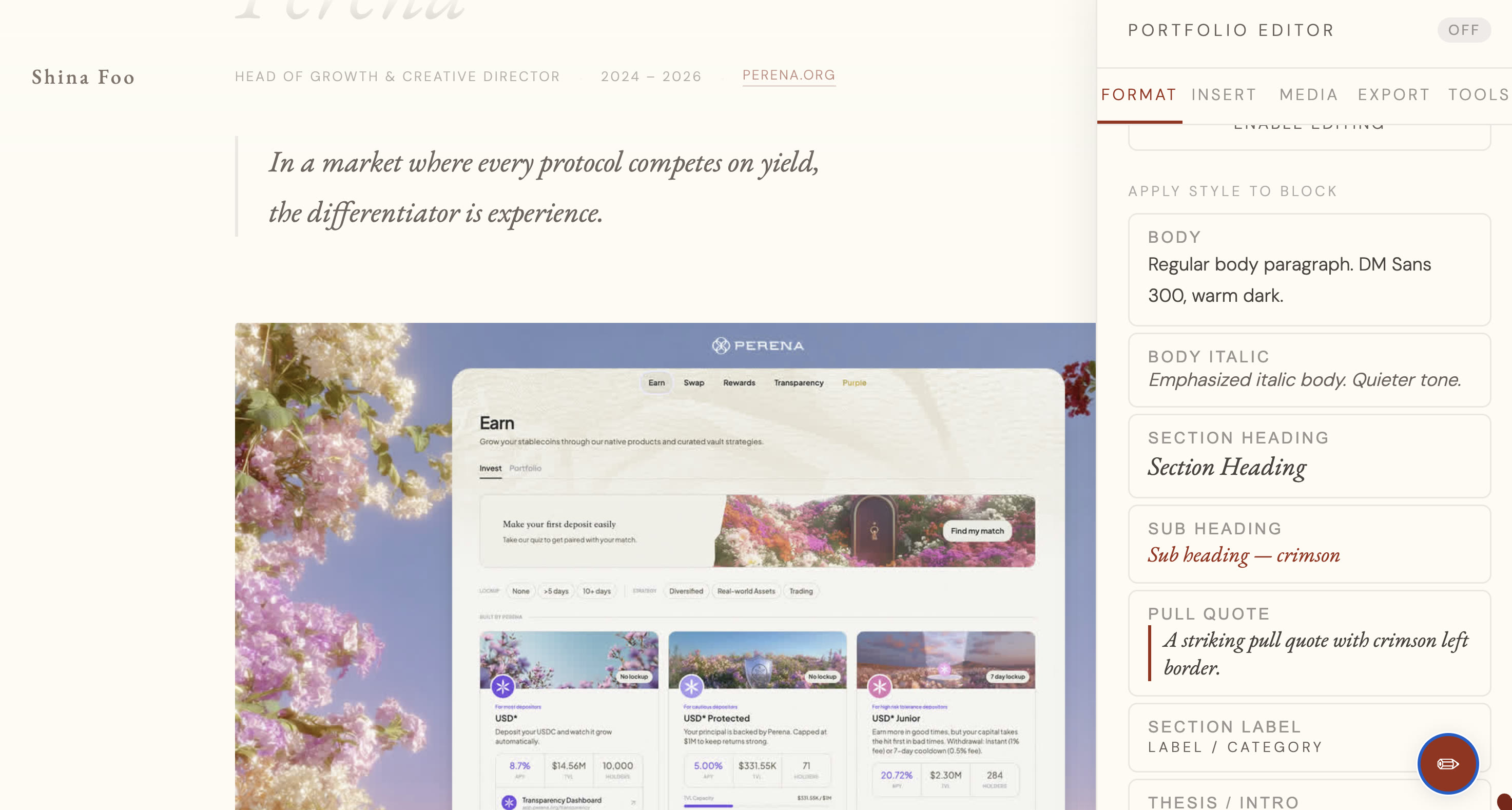 Hover to play
How it's built
Built entirely in vanilla JS — no React, no framework overhead. The editing surface is
a contenteditable section that mirrors the HTML structure of the case study
pages. A floating toolbar detects your selection and offers contextual format options:
heading, body text, pullquote, label, bold, italic.
Block insertion — images, videos, accordions, colour boxes — injects pre-structured
HTML at the cursor position. Saving calls a local Vite dev server endpoint that writes
the serialized DOM back to the source .html file directly.
Developed iteratively with Claude as a pair programmer.
How it's used
Run npm run dev, open the case study page in your browser. The editor
activates on top of the live page. Select any text to see format options in the
floating toolbar. Click "Insert block" to drop in structured elements like image
grids, accordions, or pull quotes.
When done, hit save — the tool serializes the DOM and writes directly back to the HTML file. No code editor required. Designed so non-technical collaborators can make edits without breaking the markup.
Source code
portfolio-devtool
The full editor source — contenteditable toolbar, block insertion system, and the Vite server endpoint for writing back to source files. Adapt it for your own portfolio structure.
View on GitHub →